




































































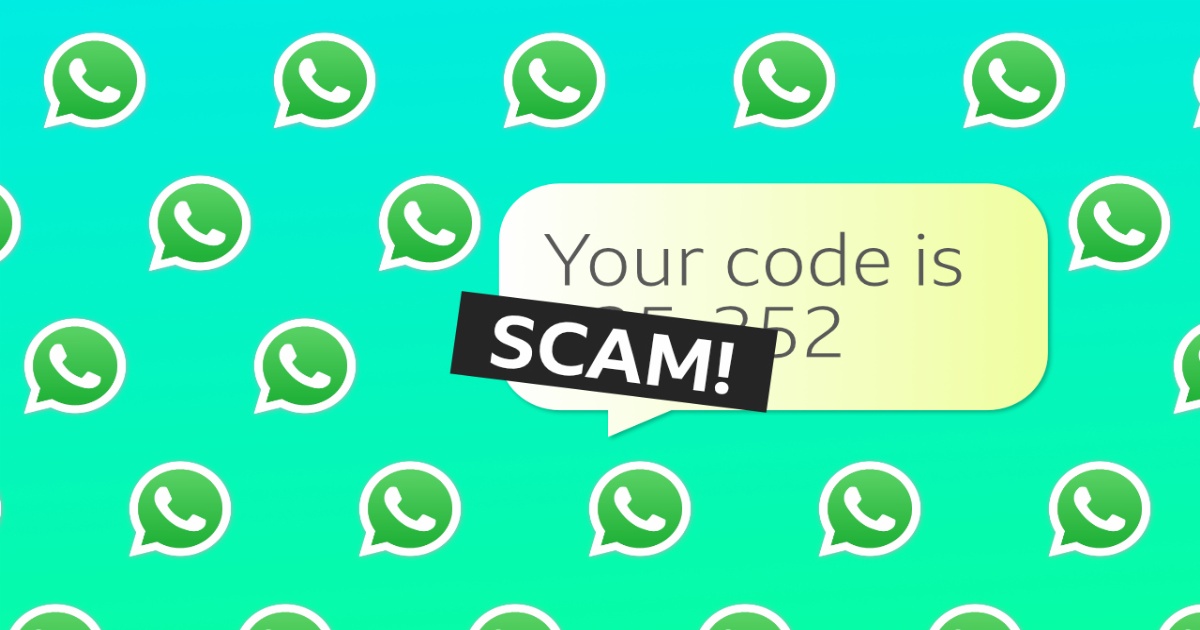
WhatsApp is how most Sierra Leoneans stay in touch with family, do business, join groups, and handle mobile money matters. Scammers know this and target users every day. They try to take over accounts, trick people into sending money, or push fake investments and jobs.
The Bank of Sierra Leone, Orange Sierra Leone, and the Ministry of Information have all issued public warnings about these schemes. With a few simple habits and settings, you can greatly reduce the risk.
Common WhatsApp Scams in Sierra Leone and the Region
– Account takeover / verification code scams
Someone messages or calls claiming to be WhatsApp support, your network (Orange, Africell, etc.), or a “meeting organiser.” They ask you to forward a 6-digit code that just arrived by SMS. Once they have the code, they take control of your WhatsApp and message your contacts asking for money.
– “New number” or family emergency scams
A message appears from an unknown number: “Hi Mum/Papa, this is my new number, my phone got stolen/lost. Please send me some money urgently.” The scammer pretends to be a relative or close friend.
– Fake investment and forex groups
You are added to groups promising big returns from online forex trading, crypto, or “money-making platforms.” The Bank of Sierra Leone has specifically warned about unlicensed operators (including one called Forex Guru Investment) circulating on WhatsApp.
– Job and “easy money” offers
Messages offering paid product reviews, Temu/Amazon rating jobs, or online work that later require you to send money first to “unlock” payments or training.
– Orange Money and mobile money frauds*
These are especially common and frequently arrive via WhatsApp or links shared in chats. Orange Sierra Leone and Orange Mobile Finance regularly issue public alerts about them. Typical examples include:
– Messages or links claiming you have won a promotion, bonus, cash prize, or free top-up from Orange Money. They ask you to click a link, enter your PIN/secret code, or send money to “claim” or “activate” the reward.
– Fake loan or “instant cash” offers that ask you to pay a processing fee or share your Orange Money details first.
– Unknown numbers messaging or calling to ask about your Orange Money balance or to request a money transfer “for verification.” Orange explicitly warns that these are scams.
– Links and messages promoting “bonus claims” or special services that look official but are designed to steal personal information or empty your wallet.
– Schemes like the Super Advertis platform (investigated by the Financial Intelligence Unit), which used mobile money channels including Orange Money to collect deposits under the guise of high-return investments before collapsing as a Ponzi scheme.
Orange’s consistent advice: These messages and links are not from Orange Sierra Leone or Orange Mobile Finance. Only trust communications from their verified social media pages. Never share codes, OTPs, or your secret PIN. Report suspicious numbers by dialling 999# or using Orange’s official reporting tools, and call 100 or 111 for confirmation.
– Romance and trust-building scams*
Long conversations that slowly lead to requests for money, gifts, or account details.
Clear Red Flags
– Urgency (“Send now or something bad will happen”).
– Requests for a 6-digit WhatsApp code, OTP, PIN, or password.
– Unknown numbers asking for money, your Orange Money balance, or personal details.
– Too-good-to-be-true offers (guaranteed profits, free gifts, high-paying easy jobs, or Orange Money bonuses/loans).
– Links that ask you to log in or download something.
– Messages that claim to be from Orange, a bank, or an official body but come from ordinary personal numbers.
– Pressure not to tell anyone or to keep the conversation secret.
Practical Steps to Protect Yourself
1. Turn on Two-Step Verification immediately
This is the single most important protection. Even if a scammer gets your SMS code, they cannot take over your account without your PIN.
– Open WhatsApp → Settings → Account → Two-step verification → Enable.
– Choose a 6-digit PIN you will remember (avoid birthdays or 123456).
– Add a recovery email address.
2. Tighten your privacy settings
– Settings → Privacy
– Last seen & online, Profile photo, About, Status → set to My Contacts (or Nobody).
– Groups → My Contacts (this stops strangers from adding you to scam groups).
– Calls → turn on Silence unknown callers.
3. Never share codes or sensitive information
No genuine WhatsApp support, bank, network operator, or government office will ever ask you for your verification code, OTP, or PIN on WhatsApp. The same rule applies to Orange Money: never share your secret code or respond to balance/transfer requests from unknown numbers.
4. Verify before you trust
– If someone claims to be a relative or friend with a new number, call their old number or contact another family member to confirm.
– Ask a personal question only the real person would know. Prefer a voice or video call.
– For Orange Money or business issues, use official apps, USSD codes (*144# or similar), or verified channels—not random WhatsApp messages or links. Call Orange on 100 or 111 to confirm any promotion.
5. Be careful with links, files, and groups
– Do not click links from unknown or unexpected messages, especially those promising Orange Money bonuses, loans, or prizes.
– Leave groups you were added to without permission, especially investment or “opportunity” groups.
– Do not download unknown files or apps sent via chat.
6. Protect your phone and SIM
– Use a strong phone lock (PIN, pattern, fingerprint, or face unlock).
– Keep WhatsApp and your phone software updated.
– Be cautious about who has physical access to your phone and SIM. Report lost SIMs quickly to your network provider.
7. Check linked devices regularly
Settings → Linked Devices. Log out any device you do not recognise.
What to Do If Something Goes Wrong
– Stop communicating with the suspicious contact immediately.
– Block and report the number inside WhatsApp (open the chat → tap the name → Block / Report).
– If your account was taken over: try to re-register your number on WhatsApp as soon as possible. This usually logs the scammer out. Then enable two-step verification.
– Warn your contacts that your account may have been compromised and they should ignore any requests for money.
– For Orange Money issues: immediately dial *999# to report the suspicious number, contact Orange on 100 or 111, and monitor your wallet for unauthorised transactions.
– Contact your bank if money or account details were involved.
– Report the incident to the Sierra Leone Police Cybercrime Unit and, where relevant, the Bank of Sierra Leone or the Financial Intelligence Unit.
Final Advice
Scammers rely on speed, emotion, and trust. Slow down. Pause before sending money, sharing codes, or clicking links—especially those claiming Orange Money rewards or loans. When in doubt, verify through another channel or call the official number. Share this advice with family members, especially older relatives and young people who may be less familiar with these tricks.
Stay alert, use the security settings available, and you can continue enjoying WhatsApp and Orange Money safely.







Orange and africell mobile companies should just shot up and give people better breathing space. for how long super advertis operated using their systems without them detecting?
after they’ve connived against people’s hard earned cash, they’re shamelessly coming out to give flimsy and trash excuses. as big as your companies,you just have nothing better to say but to confess to God who saw it all. if na for increase tariff pan pipul or incite oda mobile kompany, na
dem always de bifo.